

Every business owner wants their website to work. You paid for it, launched it, maybe updated a few things along the way — and then assumed it was quietly doing its job. But here’s the reality many businesses face: your website could be costing you customers right now, and you’d have no idea. A site can look presentable on the surface while creating just enough friction to send visitors straight to a competitor. The problem isn’t always obvious — and that’s exactly what makes it so costly.
The Silent Revenue Leak You Can’t Afford to Ignore
Most websites don’t fail dramatically. There’s no error page, no broken checkout, no obvious disaster. They fail quietly — and that silence is expensive.
A visitor lands on your page, feels a vague sense of confusion or impatience, and leaves. They don’t complain. They don’t email you. They just go somewhere else. Meanwhile, you have no idea that your website just cost you a lead, a sale, or a long-term customer relationship.
This pattern can repeat thousands of times before most businesses realize there’s a problem. And by the time they do, a competitor with a faster, cleaner, clearer site has already captured that business.
If you’ve noticed stagnant leads, low form submissions, or a suspiciously quiet inbox despite active marketing, your website might be the bottleneck.
Warning Signs Your Website Is Costing You Customers
It Loads Too Slowly
Page speed is one of the fastest ways to lose a potential customer. Visitors start abandoning pages within just a few seconds of waiting — and user expectations only get higher each year. A slow site doesn’t just frustrate visitors; it also signals to Google that your user experience isn’t up to par, which can push you down in search rankings and reduce the traffic you’re getting in the first place.
The fix starts with diagnosis. Run your URL through Google PageSpeed Insights or GTmetrix (both free). Common culprits include unoptimized images, too many third-party scripts, and bargain-tier hosting that buckles under real traffic.
It’s Not Built for Mobile
If your site was built primarily for desktop — or if it hasn’t been meaningfully updated in a few years — there’s a strong chance it’s delivering a subpar experience to the majority of your audience. Mobile accounts for the bulk of web traffic globally, and Google uses mobile-first indexing, meaning your mobile experience directly affects your search rankings.
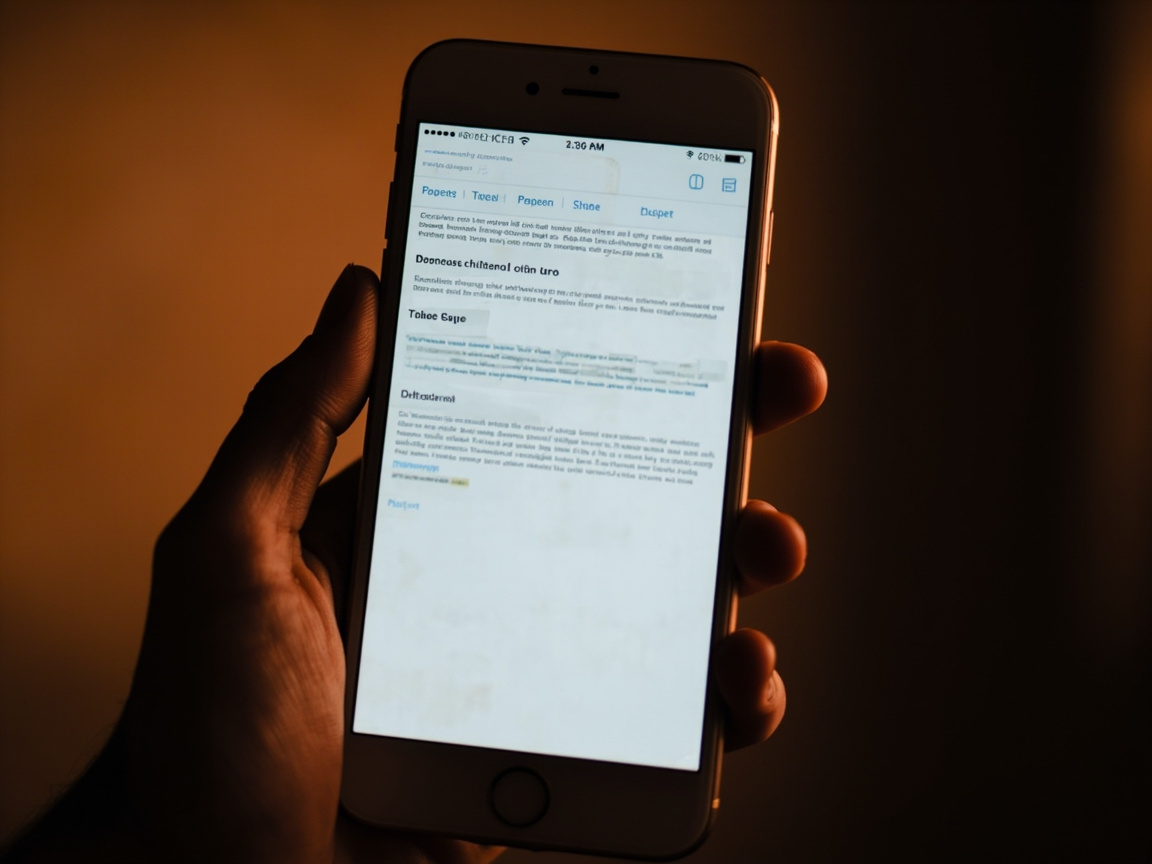
The test is simple: open your website on your phone right now. Can you read the text without pinching to zoom? Do buttons respond to a thumb tap? Does the layout feel intentional, or like a shrunken desktop version? “Kind of” isn’t good enough.
Visitors Can’t Figure Out What You Do
Clarity is a conversion driver. If someone lands on your homepage and can’t immediately answer three questions — what does this business do, is it relevant to me, and what should I do next — they’re leaving. People don’t invest time decoding a confusing website when they have plenty of other options.
Walk through your own site as if you’re a skeptical first-time visitor. Is your value proposition front and center? Can you reach key service pages, pricing, and your contact page within two clicks? Has the navigation grown cluttered from years of additions?
Your Calls-to-Action Are Weak or Missing
Every page on your website should have a purpose — and that purpose should end with a clear invitation to take action. Not a vague “learn more.” Not a generic “contact us” buried in the footer. A specific, benefit-forward prompt: “Get Your Free Consultation,” “See Our Work,” “Request a Quote Today.”
Weak or missing calls-to-action are a surprisingly common reason that high-traffic websites still generate disappointing lead volume. The traffic was there. The interest may have been there. The ask just wasn’t clear enough to close the loop.
It Doesn’t Look or Feel Trustworthy
Online buyers are skeptical, and they make snap judgments fast. A dated design, mismatched fonts, low-quality photos, or a conspicuous absence of social proof can trigger doubt before your copy ever gets a chance to do its job.
Trust signals matter: genuine client testimonials, recognizable logos, industry certifications, a real team photo, and a visible phone number or address. These elements tell a first-time visitor that there’s a real, credible business behind the website — and that credibility is essential for turning cold traffic into warm leads.

What This Is Actually Costing You
Let’s connect this to the bottom line, because this isn’t just a design conversation.
Every visitor who leaves without converting is a missed opportunity. And those misses compound: lost leads, lost sales, and a growing competitive disadvantage as rivals who invested in their digital presence keep capturing the customers you should be winning.
There’s also a narrowing-funnel effect to consider. A slow or poorly optimized site earns lower search rankings, which reduces total traffic. Less traffic means fewer conversion opportunities overall. The gap between you and a competitor with a polished, fast, trustworthy site isn’t static — it widens over time.
Even modest improvements to your conversion rate can be transformative. A site that converts 3% of visitors instead of 1% isn’t performing marginally better — it’s generating three times as many leads from the same traffic. That kind of leverage is exactly why website performance deserves real attention, not just a periodic coat of paint.
Quick Wins vs. Bigger Fixes
Not every website problem requires a full rebuild. Here’s how to triage:
Start here — no developer required:
- Compress and resize images using a free tool like TinyPNG or Squoosh
- Add a specific, benefit-driven CTA to every key page
- Make your phone number or email clearly visible in the header
- Update or add client testimonials and reviews
- Test your site thoroughly on both iOS and Android devices
Plan a more serious overhaul if:
- Your site is three or more years old with minimal updates
- You’ve never conducted a UX or conversion rate audit
- Your analytics show a consistently high bounce rate and low average session duration
- Your site no longer reflects your current services, positioning, or quality level

A deeper overhaul doesn’t have to mean a slow, expensive project. But it does require being honest about whether your current site is earning its place in your business — or quietly undermining it.
Stop Guessing, Start Auditing
If you’re not sure whether your website is underperforming, start with the data. Google Analytics and Google Search Console are free and will show you where visitors are entering, where they’re dropping off, and which pages are doing meaningful work.
Pair that with a simple usability test: ask someone who doesn’t know your business to complete a specific task on your site, and watch where they get stuck. The results are often eye-opening — and almost always actionable.
Your Website Should Be Your Hardest-Working Salesperson
A great website is available around the clock, never misrepresents your business, and can pitch your offer to hundreds of visitors at once. If yours is creating friction instead of building confidence, it’s not a neutral asset — it’s a liability.
The warning signs above are a starting point, not an exhaustive audit. Work through the list, look at the data, and be honest about what your visitors are actually experiencing. If you want a professional perspective on what’s holding your site back, that’s exactly the kind of strategic work Xcelerated Media does for growing businesses.